Features
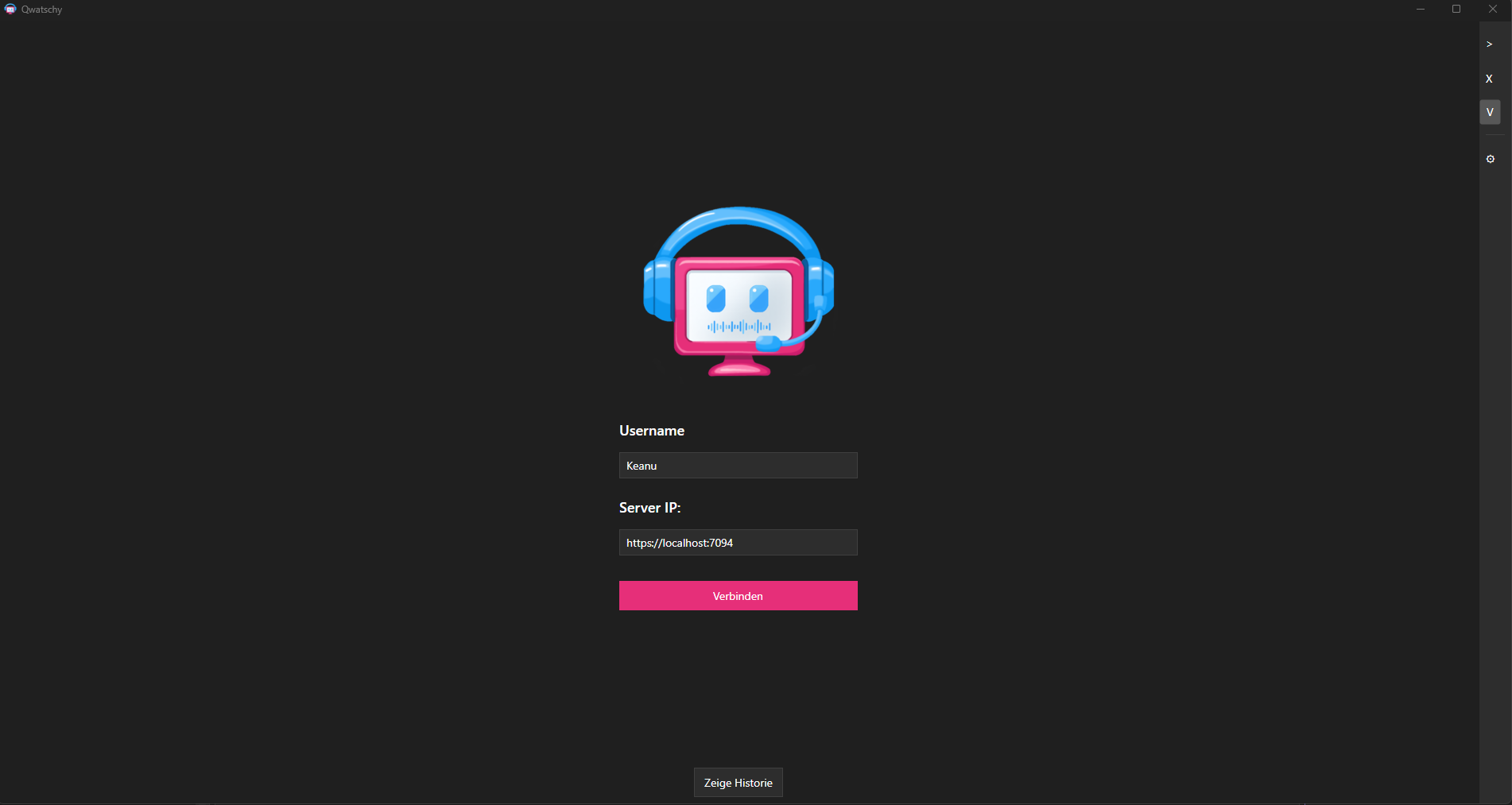
Login & Authentication
- Username: Choose a unique name
- Server Address: IP or domain of the server
- Connection History: Recently used servers are saved
- JWT Authentication: Secure login with tokens
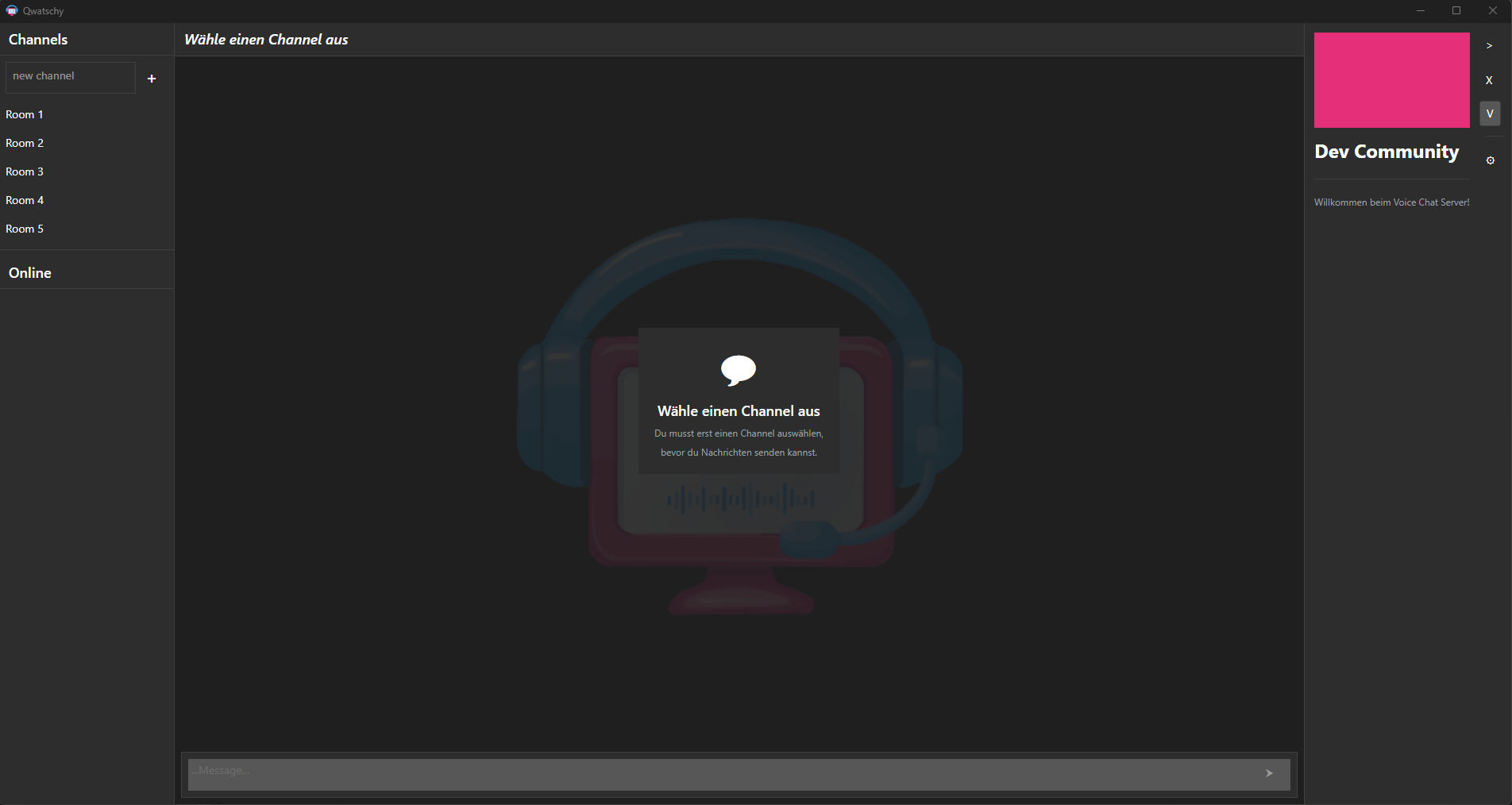
Channel Management
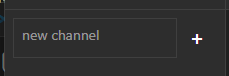
Create Channels
- Click the + button
- Enter a channel name
- Confirm with Enter or click “Create”
Join Channels
- Click on a channel in the list
- The channel opens automatically
Delete Channels
- Right-click on channel → “Delete”
- Only the creator can delete channels
Text Chat
Send Messages
- Select a channel
- Type your message in the text field at the bottom
- Press Enter to send
Load Messages
- For long conversations: Click “Load more…” at the top
- Messages are loaded page by page
Unread Messages
- Channels with new messages show a counter
- The counter appears on the left side of the channel name
Voice Chat
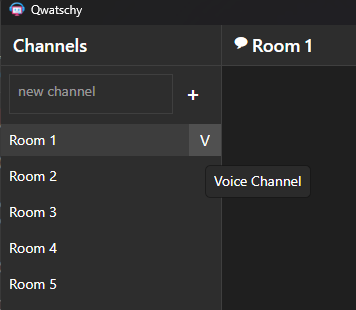
Join Voice Chat
- Click the Voice button (🎤) of a channel
- Wait for the connection to establish
- Your microphone is now active
Audio Settings
- Mute: Press M or click the microphone icon
- Toggle sound: Click the speaker button
Audio Technology
- Opus Codec: High-quality audio encoding
- WebSocket: Real-time audio streaming
- Noise Suppression: RNNoise for clear sound
User Management
View Online Users
- List of currently connected users in the channel
- Current user is highlighted
User Actions (Right-click)
- Kick: Temporarily remove from channel
- Ban: Permanently exclude from channel
Design & Themes
Light Mode
- Light color scheme with blue/teal accents
- Default view
Dark Mode
- Dark color scheme with pink accents (#e62f79)
- Easy on the eyes at night
Keyboard Shortcuts
| Key |
Action |
| Enter |
Send message |
| M |
Mute microphone |
| Escape |
Cancel / Close |