Getting Started
Connecting to the Server
Start the Client
- Launch Qwatschy on your device
- You’ll see the login screen
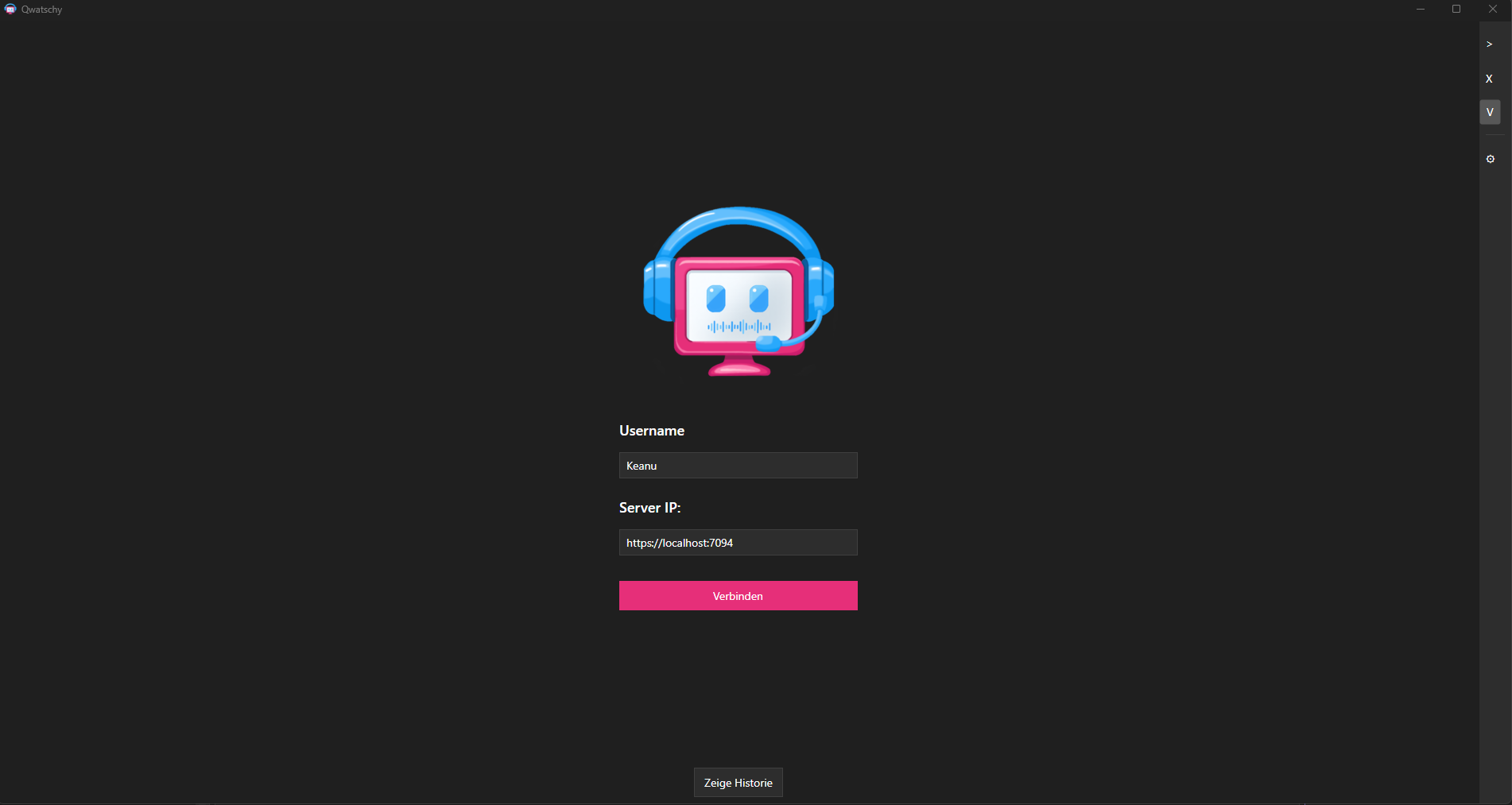
Login
- Enter a username (e.g., “John”)
- Enter the server address:
- Local:
http://localhost:5000 - Network:
http://192.168.x.x:5000 - Online:
https://your-server.com
- Local:
- Click Connect
Save Connection
Your recent connections are automatically saved and can be restored via the dropdown menu.
Create Your First Channel
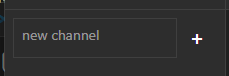
- Click the + symbol in the channel bar
- Enter a name for the channel (e.g., “General”)
- Click Create
Managing Users
View Online Users
Online users are displayed in the left sidebar under the channel.
Kick/Ban Users
Right-click on a user → Kick or Ban